Development team
A lightweight engineering board that keeps references and blockers visible — with flexible task categories and zero forced fields.
About this template
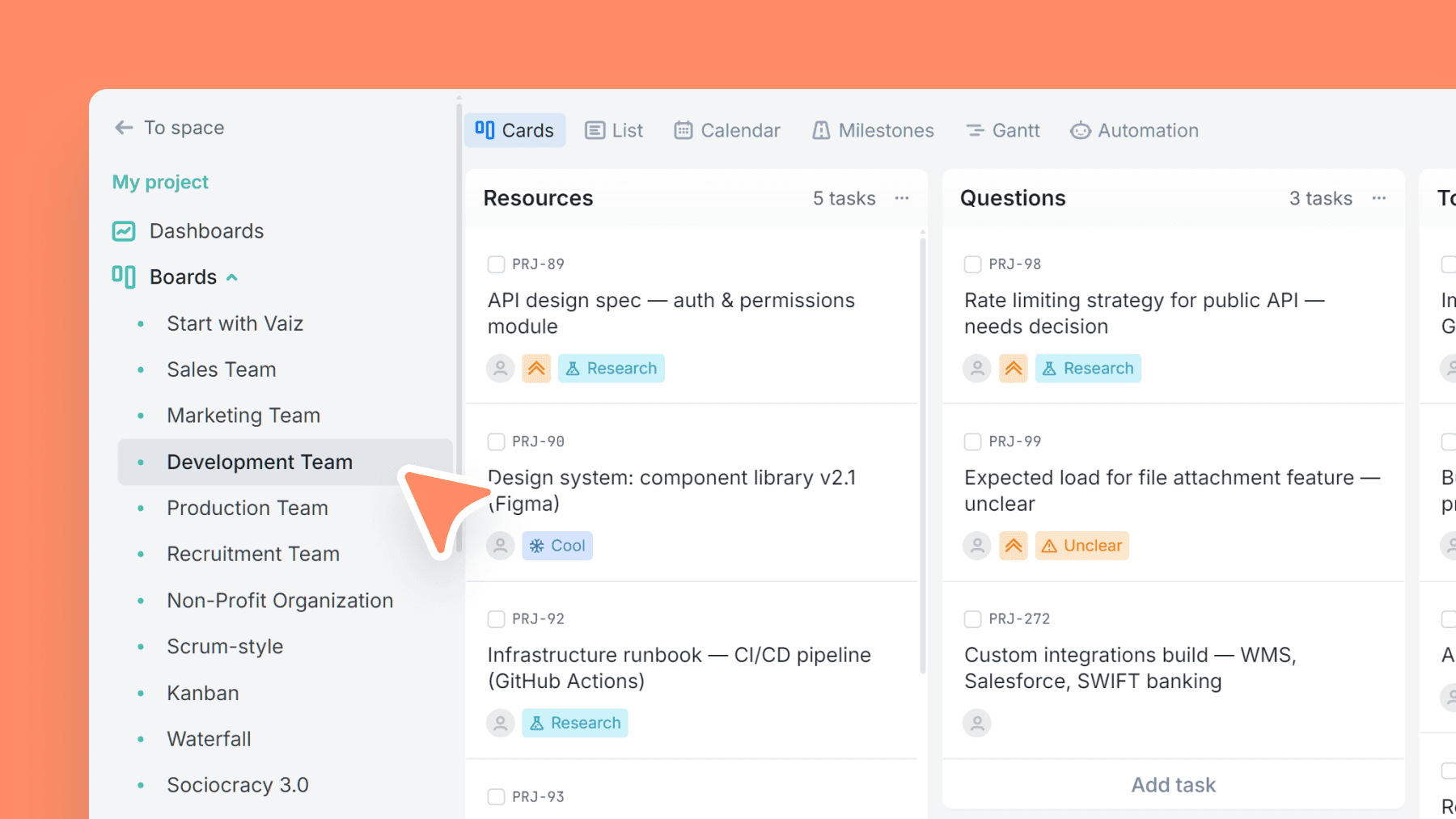
Built for real dev work: not just "To Do / Done", but also a Resources lane for specs/links and a Questions lane to surface blockers early. It's designed to reduce context switching and make impediments obvious.
Task types cover common engineering work — bugs, urgent fixes, research, rechecks, tech debt, and waiting states — so you can triage quickly without inventing categories from scratch.
No preset custom fields by design: add story points, sprint number, estimates, time tracking, or any fields your team actually uses.
What’s inside
Columns included
Task types
Key features
- Resources + Questions lanes to keep knowledge and blockers visible
- Clear blocked visibility with a dedicated Blocked stage
- Fast triage via practical work categories
- Simple flow that works with or without sprints
- Custom-field free by default (add only what you need)
Who is this template for?
- Product engineering teams
- Startup dev teams
- Dev agencies running multiple streams
- Teams that want lightweight process
- Anyone needing better blocker visibility
How to use this template
Use this board to keep engineering context close to the work, surface blockers early, and run a lightweight delivery flow without forced process overhead.
Step 1
Collect context before coding starts
Use Resources as a reference shelf for specs, links, and recurring documentation, then capture open blockers or unknowns in Questions. This gives the team one place to clarify work before it hits active delivery.
Step 2
Triage and move engineering work
Pull tasks into To do and Pending, then use categories like Bug, Research, Recheck, Urgent, or Wait to make the nature of the work obvious. When something cannot move, place it in Blocked instead of hiding the problem in comments.
Step 3
Add only the structure you actually need
This template starts with zero preset custom fields on purpose. If your team later needs story points, sprint IDs, estimates, or logged time, add them once the workflow is stable instead of over-structuring the board on day one.
Frequently asked questions
Related templates

Sales team
A lightweight CRM board to run your sales pipeline end-to-end. Qualify leads, track deal value, and forecast closes without the complexity of a full CRM.

Marketing team
Plan campaigns, content, and creative work in one place — size tasks quickly, tag by marketing discipline, and track where requests/leads come from.

Production team
Run end-to-end content production — from brief to launch — with clear phases, content types, and linked docs/assets.