

Webhooks
Trigger webhooks on task updates, status changes, or assignments. Send customizable HTTP requests to any external service.
Connect Vaiz with the tools your team already uses — or import your projects in one click.























Built-in connections that work out of the box.
Set up in minutes from your Vaiz Space settings.
Turn Slack messages into tasks, get real-time notifications, and sync updates to your channels. Automate status, assignment, and deadline changes.
Connect 9,000+ apps via Zapier. Auto-create tasks from forms, sheets, or CRM — and trigger actions on task updates.
Connect pull requests, branches, and commits to your Vaiz tasks. Track development progress alongside your project boards and documents.

Automate Vaiz with the Python SDK. Manage tasks, projects, and docs with type safety, autocomplete, and built-in helpers.
Trigger webhooks on task updates, status changes, or assignments. Send customizable HTTP requests to any external service.
Link merge requests, branches, and commits to Vaiz tasks automatically by task key. Works with GitLab.com and self-managed GitLab.
Moving to Vaiz? Import your projects, tasks, and structure in minutes.
One-click importers bring over boards, lists, statuses, and assignees — so you can start working right away.
Members, spaces (as projects), columns (as groups), epics (as tasks), tasks, subtasks, assignees, descriptions, comments, and attachments.
Members, projects, columns (as groups), epics (as tasks), tasks, subtasks, assignees, priorities, statuses, descriptions, comments, and attachments.
Members, projects, boards, lists (as groups), tasks, assignees, due dates, completion status, comments, and formatted text content.
Members, projects with boards, tasks, subtasks (all nesting levels), assignees, priorities, task types, statuses, descriptions, and comments.
Tasks only. Full import is in development.

Member, Projects, Milestone, Task, Subtasks, Recurring tasks.
Coming soon.
Coming soon.
Coming soon.
Through the Zapier integration, Vaiz connects with thousands of apps your team already uses — no development needed. Set up automated workflows between Vaiz and any of these tools in minutes.
A built-in AI that knows your entire workspace — tasks, projects, documents, and team
Find tasks and docs by meaning — not exact words. Get the right context instantly
Create and update tasks with a prompt. Assign owners, set priorities and deadlines

Generate reports, charts, and CSV exports in seconds — with real-time data from your workspace


See who’s working on what, what’s blocked, and what’s overdue — across all projects in real time
Use your favorite tools inside Vaiz. Live embeds let your team view and interact with content in context
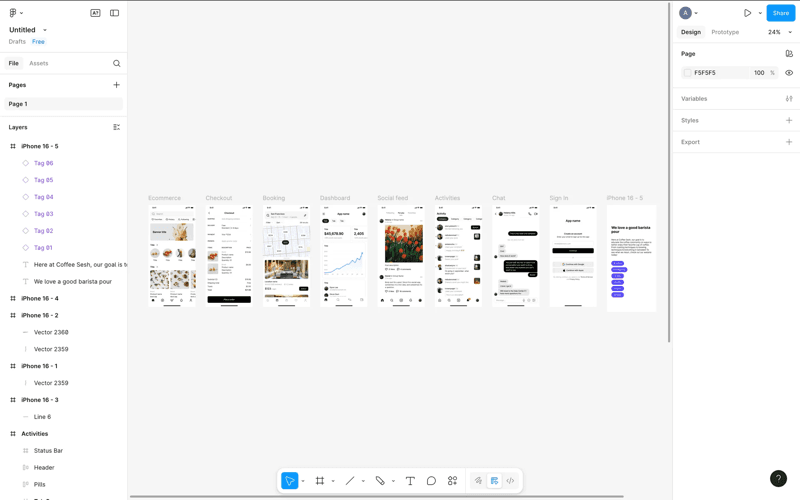

Embed Figma designs and prototypes directly in your Vaiz documents. Review mockups alongside task details and specifications without leaving your workspace
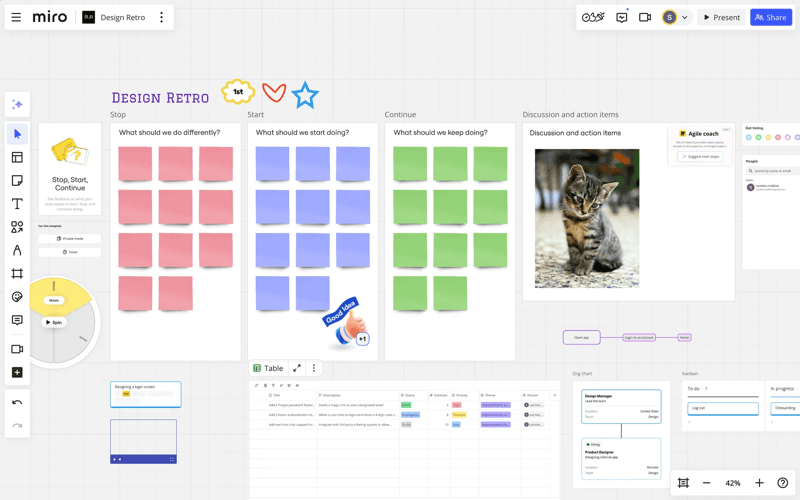

Embed Miro boards for brainstorming, retrospectives, and visual collaboration. Keep whiteboards connected to the tasks and documents they relate to
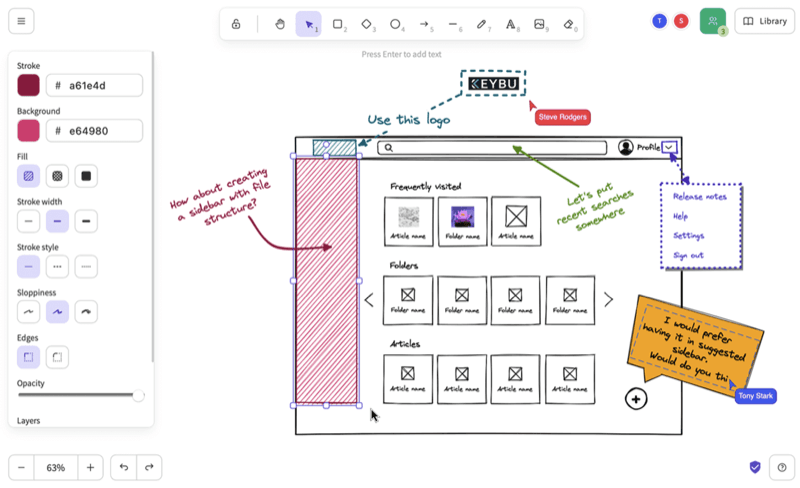

Create quick diagrams, wireframes, and sketches. The lightweight drawing tool embeds directly into Vaiz documents for fast visual collaboration
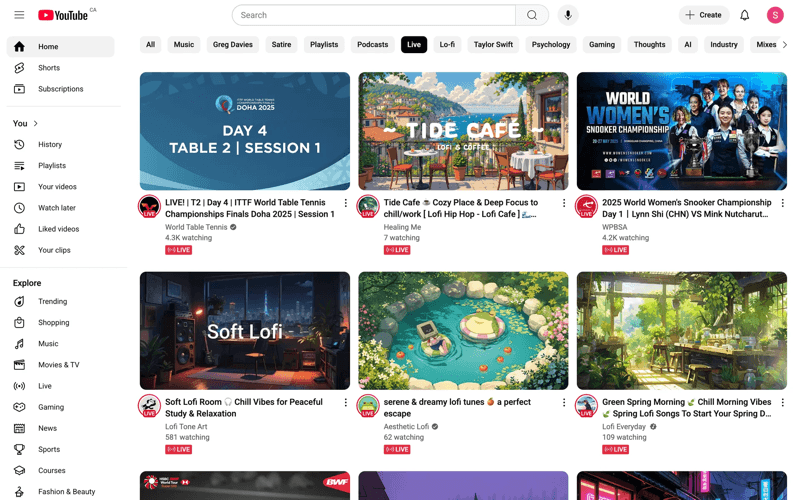

Embed tutorial videos, product demos, and educational content to enhance your documents and help users quickly understand your product
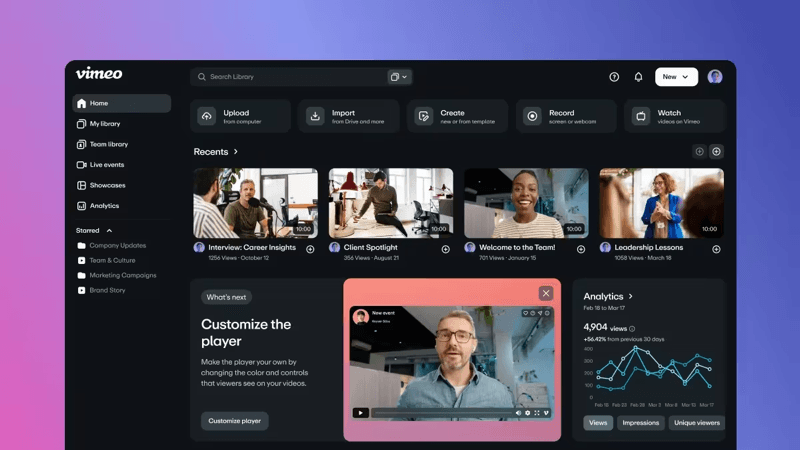

Embed private videos, screen recordings, and team presentations to securely share content and keep everything organized in one place
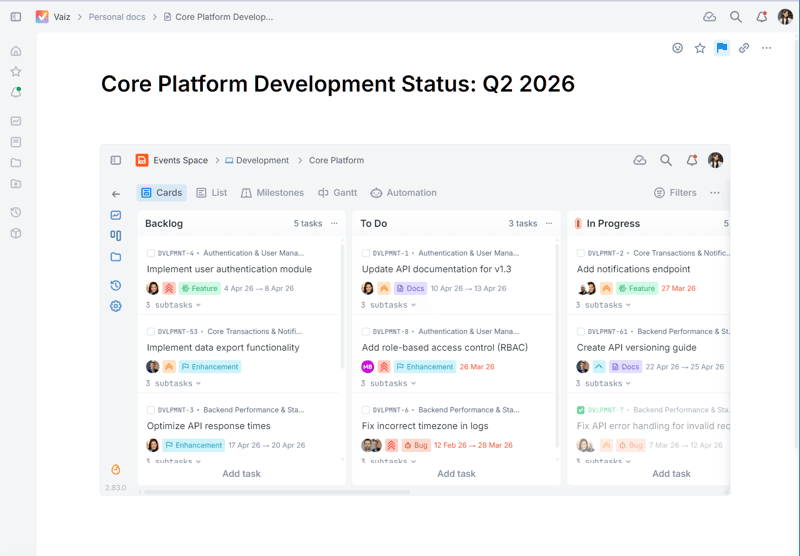

Embed external pages, tools, or interactive widgets to extend your document’s functionality, even when a native integration is not available
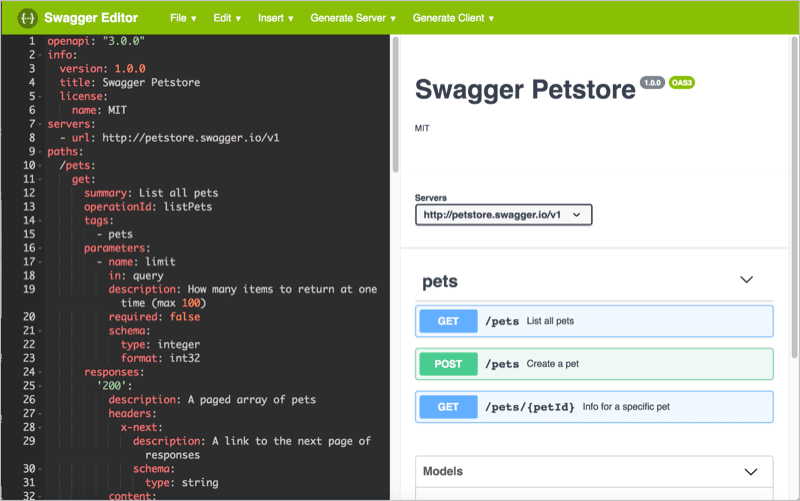

Embed live API documentation alongside your development tasks. Keep API specs, endpoints, and schemas visible right where your engineering team works
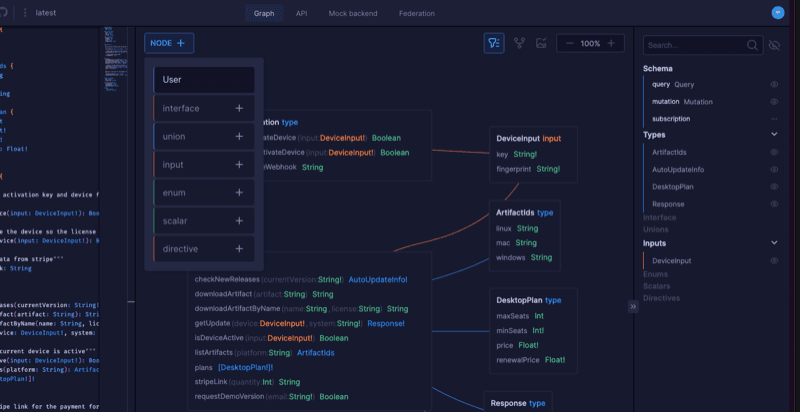

Explore and document your GraphQL schemas directly inside Vaiz documents, making it easier to understand, share, and work with your API structure
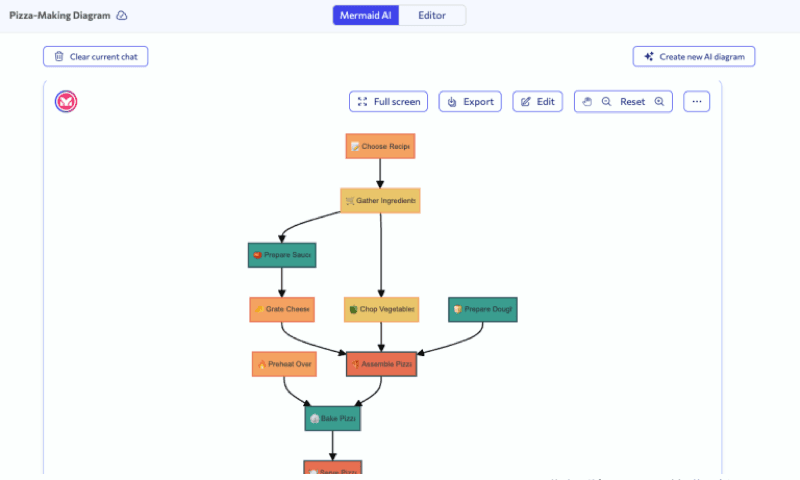

Render flowcharts, sequence diagrams, Gantt charts, and more using Mermaid syntax. Diagrams update automatically when you edit the code
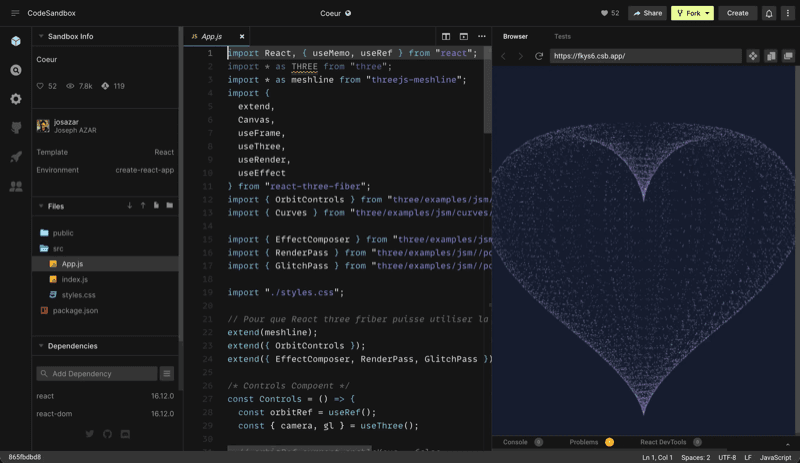

Embed live code environments for prototyping, demos, or documentation examples
Connect the tools your team already uses, import projects in one click, and let the built-in AI handle the routine across all of them.
14-day free trial · Setup in minutes · No credit card