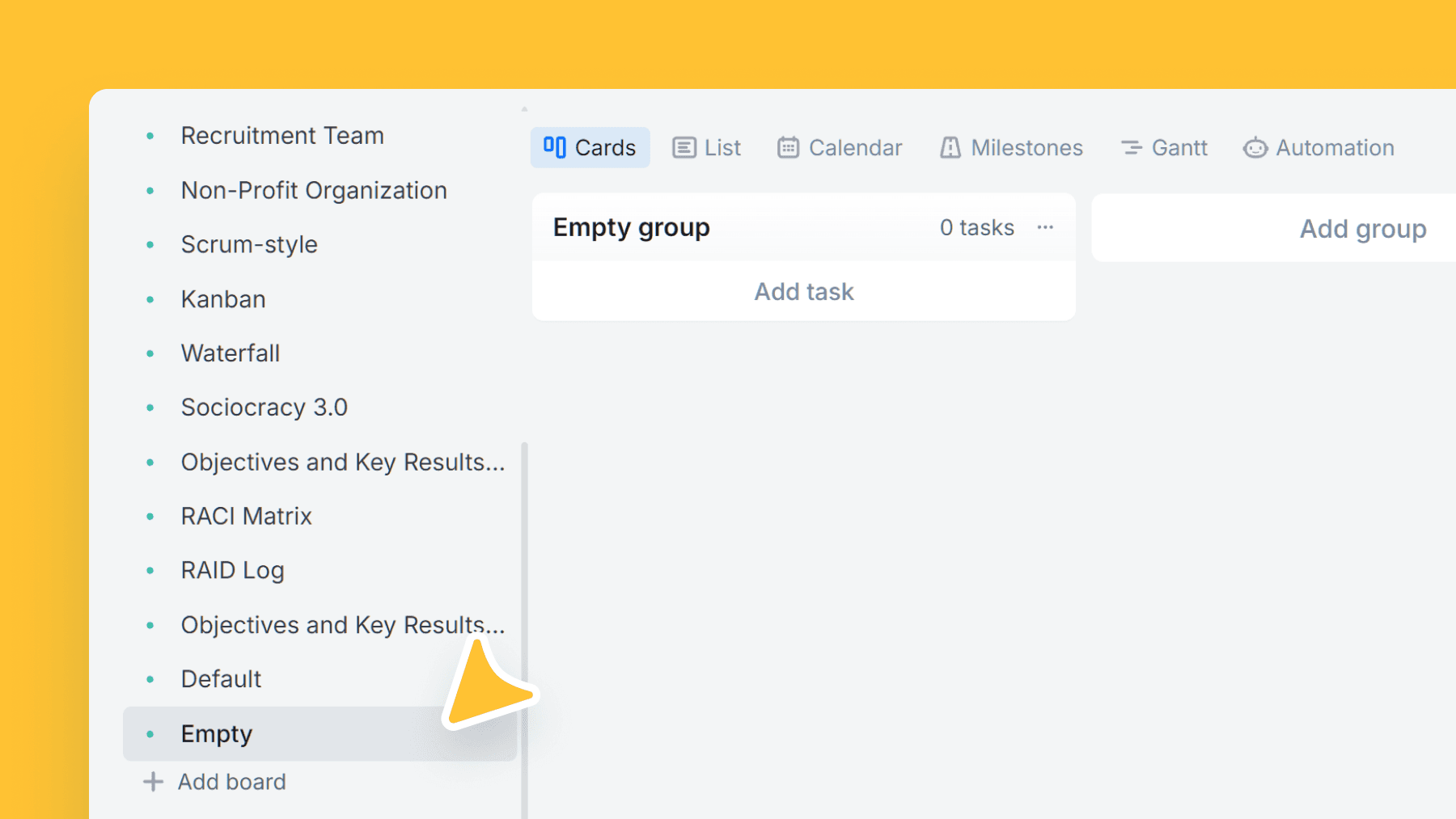
Empty board
A blank canvas to build your workflow from scratch — define columns, task types, and fields exactly the way your team works.
About this template
Start with a single "Default" column and design your system intentionally. This is ideal when your process doesn't match standard templates or when you want to build a workflow around your existing terminology.
Add columns step by step, create task types that make sense to your team, and introduce only the custom fields you truly need.
Tip: if you're unsure, start with the Default Board and customize — it's easier than rebuilding later.
What’s inside
Columns included
Key features
- Zero assumptions: no preset task types or fields
- Full control over workflow design
- Great for unique or mature processes
- Build minimal first, expand when needed
- Perfect base for a company-specific template
Who is this template for?
- Teams with custom workflows
- Advanced users who know their process
- Specialized departments (legal, ops, etc.)
- Companies standardizing internal processes
How to use this template
Use this board when you want to design the workflow intentionally from the ground up instead of adapting someone else's process first.
Step 1
Start with the smallest workable flow
Begin from the single Default column, then sketch the few stages your team truly needs before adding more structure. A small starting workflow is easier to test than a fully designed process that no one has run yet.
Step 2
Introduce structure only when it solves pain
Add task types and custom fields step by step as patterns appear in real work. Because nothing is preset, every new column or field should earn its place by making prioritization, handoff, or reporting easier.
Step 3
Review and standardize after a trial period
Run the board for a short period, then rename stages, simplify what is redundant, and keep only the structure the team is actually using. If you discover you need a more opinionated starting point, you can always switch to a more specific template later.
Frequently asked questions
Related templates

Default board
A simple task board that fits almost any workflow — start in seconds, then customize as your process grows.

Sales team
A lightweight CRM board to run your sales pipeline end-to-end. Qualify leads, track deal value, and forecast closes without the complexity of a full CRM.

Marketing team
Plan campaigns, content, and creative work in one place — size tasks quickly, tag by marketing discipline, and track where requests/leads come from.