OKR tracking
Turn OKRs into execution — link work to Objectives, limit WIP, and keep delivery focused each cycle.
About this template
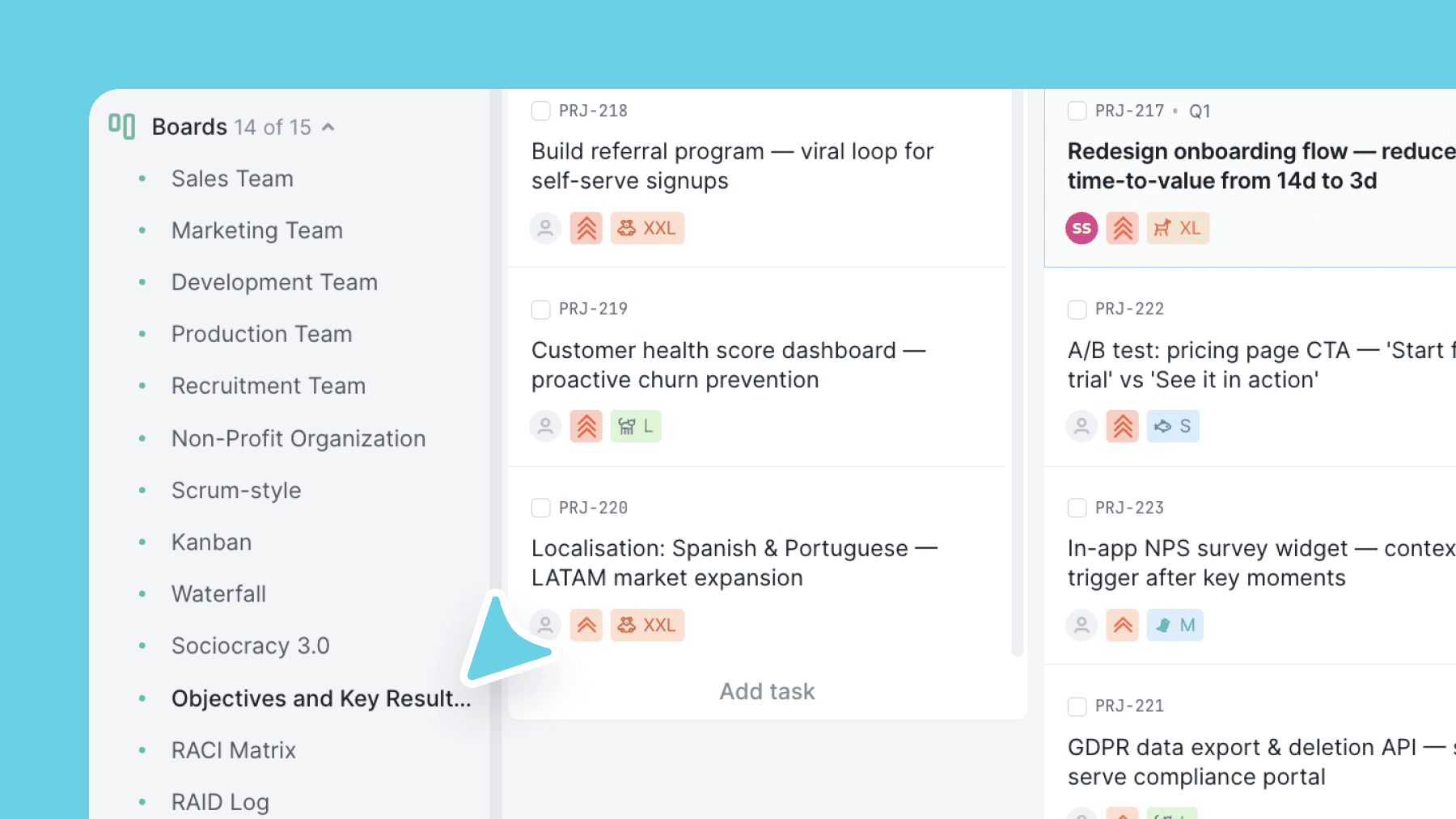
This template is an execution layer for OKRs. Every initiative can be linked to an Objective, so you always see which work supports which goal (and what work doesn't).
WIP limits keep teams focused on finishing what matters — especially during quarterly pushes.
Use sizing for lightweight planning, Area tags for ownership, and a Parked lane for deprioritized work you're not ready to delete.
What is an OKR template?
OKR stands for Objectives and Key Results. It is a goal-setting framework used by teams and companies to define what they want to achieve and measure whether they got there. An Objective is a qualitative, directional goal. Key Results are the measurable outcomes that show progress toward that Objective. OKRs work at the company level, the team level, and for individuals.
Each Objective typically has two to five Key Results. Key Results are always measurable: a number, a percentage, or a date. For example: Objective, improve customer retention; Key Result, reduce monthly churn from 8% to 5% by the end of Q3. If a Key Result cannot be measured, it is a task, not a Key Result. This distinction keeps OKRs focused on outcomes rather than activity.
An OKR template gives you a starting structure for the board. An OKR tracker lets you monitor progress on active goals in real time. This Vaiz template does both: it sets up the board structure and includes an Objective linking field so every piece of work is connected to a goal.
OKR cycles are typically quarterly. Use this template at the start of each quarter to map initiatives to Objectives, then review progress weekly. It works for product teams, marketing teams, leadership teams, and individuals who want to apply OKR thinking to personal goals.
What’s inside
Columns included
Task types
Custom fields
Key features
- Objective linking field for alignment
- WIP limits to protect focus during execution
- Lightweight sizing for planning
- Parked lane for deprioritized initiatives
- Archive for clean cycles and history
Who is this template for?
- Teams using OKRs
- Strategy execution teams
- Quarterly planning cycles
- Teams with too many initiatives
- Leaders who want visibility without micromanagement
How to use this template
Use this board to connect strategic objectives to day-to-day execution, while keeping active work constrained and easier to review each cycle.
Step 1
Map work to objectives before execution
Start by refining Backlog and Todo, then assign each initiative to an Objective before it enters active work. Use sizing and Area labels to keep planning lightweight while still showing ownership and effort.
Step 2
Protect focus during execution
Move work through In progress, Hold, and Review with WIP limits as a real guardrail. If something is no longer a priority, move it to Parked instead of pretending it is still part of the current execution cycle.
Step 3
Review progress against the objective
Use Done and Archived to keep completed work visible without cluttering the active board. In weekly or cycle reviews, check whether every active item still supports the right Objective and whether execution is actually moving the goal forward.
Frequently asked questions
Related templates

Scrum
A ready-to-run Scrum board with ceremonies, sprint tracking, WIP limits, and engineering task categories.

Kanban
Classic Kanban flow with a strict WIP limit — visualize work, reduce bottlenecks, and ship continuously.

Waterfall
A phase-based Waterfall template for fixed-scope projects — move work through requirements, design, build, QA, release, and maintenance with clear gates.